
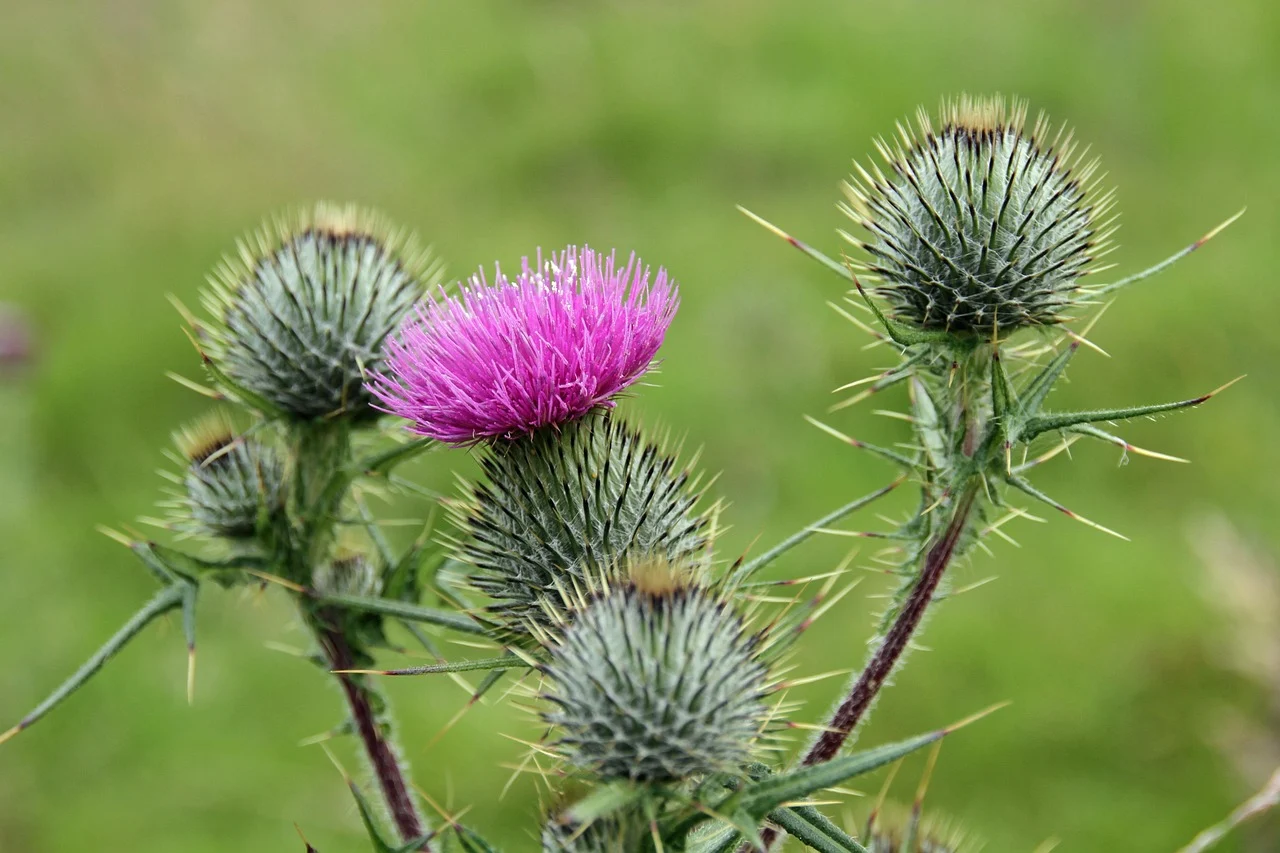
Do you notice a yellow flower symbol appear suddenly when holding your phone close to an object? Many users wonder what is the flower icon on iPhone camera and why it triggers unexpectedly during a photo session. Understanding this feature helps you control your photography settings better without confusion or frustration. It is not a malfunction but a specialized tool designed for close-up work.
Why Does the Flower Icon Appear on My Screen
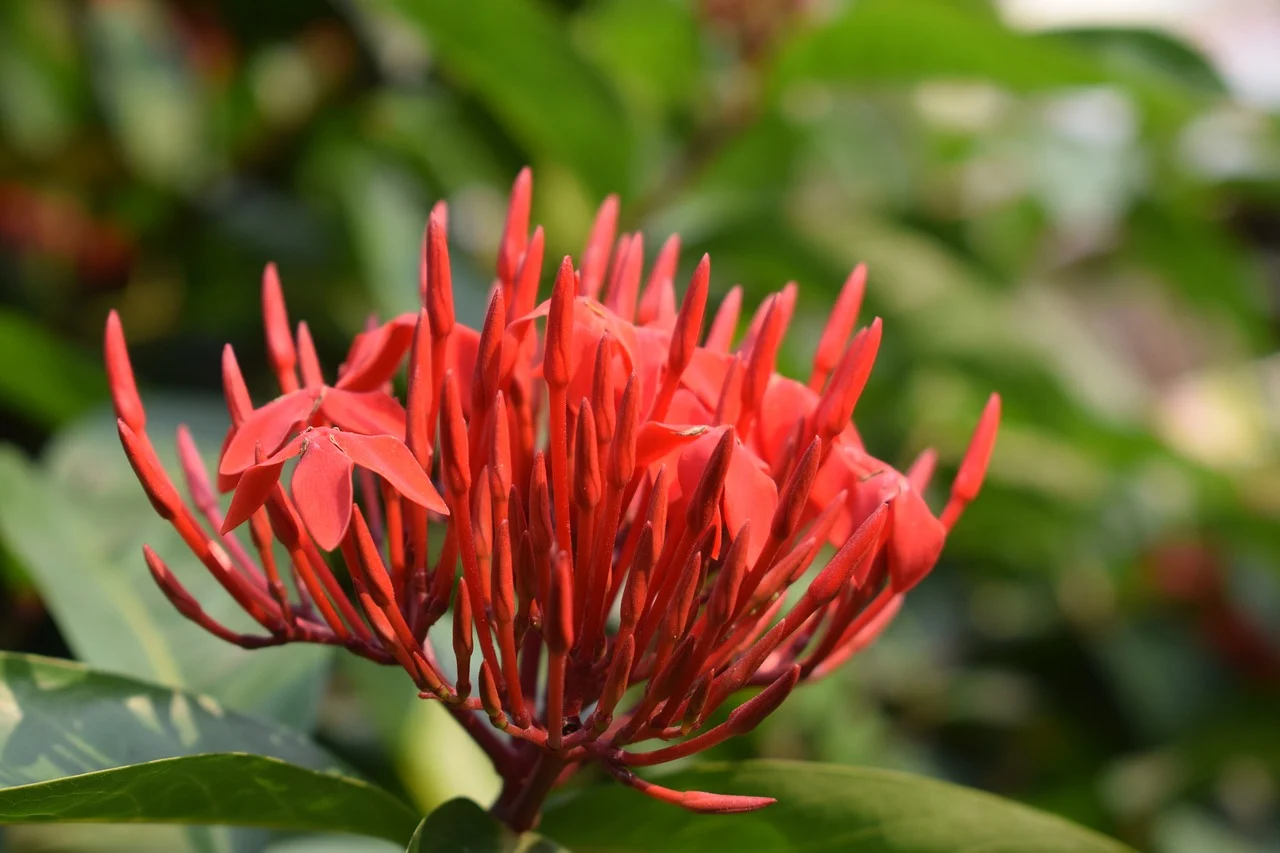
The flower icon specifically indicates that your iPhone has activated Macro Photography mode automatically. This technology allows the camera to focus extremely close to subjects, capturing fine details in small objects. You will often see this symbol change color when the distance between your lens and the subject changes. Apple engineers designed this to enhance your ability to shoot intricate textures without manual intervention.
When the icon turns orange, it means the system has locked onto the closest focusing point available for the scene. This ensures that your image remains sharp even if the subject is only inches away from the device. If you move the phone further back, the icon disappears because the lens switches to standard focal lengths. It is a seamless transition that happens within milliseconds of movement.
Users frequently ask about this because they assume it indicates a filter or some sort of special effect. However, it is purely a status indicator regarding the physical capabilities of the camera sensor hardware. Knowing this distinction prevents unnecessary settings adjustments when you simply want normal shots of distant scenes. Your camera handles the switching logic based on proximity rather than user preference.
Some older iPhone models do not support this specific macro capability due to different lens configurations. Newer Pro models include wide-angle lenses with autofocus points capable of very short distances. If your device lacks the icon entirely, it does not mean there is something wrong with the unit. You can still take clear photos at standard distances without any additional symbols appearing.
How to Turn Off the Flower Icon on iPhone Camera Settings
You cannot directly disable the macro function through a simple toggle switch in the main camera interface. The system manages this behavior to ensure the best possible results for every environment automatically. However, you can prevent the icon from appearing by adjusting specific focus locking features manually. This gives you more control over when the camera decides to engage the macro mode.
To manage this, try tapping the screen to lock focus before taking your picture. Once the focus box turns yellow, tap and hold until AE/AF Lock appears on the display. This stops the software from searching for closer subjects and keeps the current focal length active. You will find this method useful when photographing larger items like buildings or landscapes.
If you are shooting video, the icon may behave differently depending on the resolution selected. High frame rate modes sometimes restrict the autofocus range to maintain smooth motion capture. Check your video settings menu to see if macro mode is restricted in those specific profiles. Adjusting these preferences can help stabilize the experience across different media types.
Common Limitations When Using Macro Mode
Macro photography requires significant light to function correctly due to the shallow depth of field involved. In low-light conditions, the icon might not activate because the sensor needs more clarity to focus properly. This is a technical limitation rather than a glitch in your software configuration or firmware version. Moving to a brighter area usually resolves the issue immediately.
Another limitation involves the physical size of the object being photographed relative to the frame. Extremely large subjects might force the camera out of macro mode if they do not fill the viewfinder. The algorithm prioritizes the overall composition over extreme detail when the subject dominates the scene. Be aware of these boundaries to avoid confusion while trying to capture specific elements.
What Happens When the Flower Icon Turns Orange
An orange flower symbol signifies that the camera is currently utilizing its closest possible focusing distance. This state indicates maximum magnification power is active for the wide-angle lens component. It confirms that you are within the optimal zone for capturing high-resolution textures and patterns. You should remain steady during this time to prevent blur from minor hand movements.
Switching to another lens will cause the icon to vanish as soon as the optical path changes. For example, moving from the wide lens to the telephoto lens resets the macro engagement logic. This ensures that the correct lens group handles the focusing requirements for the new perspective. Always check which lens is active if you need consistent macro performance.
The brightness of the flash may also adjust when this icon is visible to compensate for the distance. Close-ups often require more light intensity to illuminate small areas effectively. You might notice the flash firing more frequently or brightly when the symbol is present. Trust this automatic adjustment to improve the exposure balance in your final image.
Troubleshooting Common Issues with the Flower Icon
Sometimes the icon gets stuck on the screen even after moving the phone away from the object. This usually happens when the lens cover or protective case blocks part of the sensor array. Cleaning the glass surface gently with a soft cloth often restores normal functionality quickly. Avoid using harsh chemicals that could damage the coating on the camera lenses.
Software updates occasionally introduce bugs that affect how the camera app displays status indicators. Ensure your operating system is up to date to benefit from the latest stability improvements. Restarting the device can also reset the camera processes if the icon behaves erratically. These steps resolve most reported issues without requiring professional repair services.
If the problem persists after cleaning and updating, consider resetting all Camera settings to factory defaults. Navigate to the settings menu and look for general options related to privacy and security. This clears any custom configurations that might be interfering with the standard macro behavior. It is a safe action that does not delete your personal photos or data.
Tips for Using Macro Photography Effectively
Practice holding your device steady to maximize the benefits of the close-up focusing mode. Even slight vibrations become noticeable when the lens is working at its closest range. Consider using a tripod or stabilizing the phone against a solid surface for the best results. This technique reduces blur and improves the sharpness of fine details significantly.
Experiment with lighting angles to create interesting shadows and highlights on textured surfaces. Soft natural light works well for portraits while direct sunlight enhances texture in architectural shots. Understanding how light interacts with your subject helps you get the most out of this feature. Try different times of day to see how the quality of illumination affects the outcome.
Review your images on a larger screen to appreciate the level of detail captured by the macro mode. Small imperfections might be visible that are hard to spot on the phone display itself. This feedback loop helps you refine your technique for future shoots and plan better compositions. Keep learning from each photo to improve your skills over time.
FAQ
Can I manually turn off the flower icon on my iPhone camera?
There is no direct setting to permanently disable the macro mode icon completely. The system activates it automatically based on distance and lighting conditions. You can prevent it by locking focus manually before taking your shot. This gives you temporary control over the focusing behavior.
Does the flower icon indicate that my camera lens is broken?
No, the flower symbol is not an error code or sign of hardware damage. It represents the healthy activation of macro photography capabilities on supported devices. If the camera functions normally otherwise, you do not need to worry about the lens condition.
Why does the flower icon disappear when I take a picture?
The icon typically vanishes once the shutter button is pressed and the image is captured. It serves as a preview indicator to show you the camera is ready for a macro shot. After the photo is saved, the system returns to its standby state waiting for new input.
Which iPhone models support the flower icon for macro photography?
Most recent iPhone Pro models introduced with the ultra-wide camera support this feature. Older base models might not have the necessary hardware to trigger the macro mode automatically. Check your specific model specifications to confirm compatibility with close-up photography features.
